

How the design and engineering process on small teams has changed: design as a mindset rather than a separate step.
As a design engineer on a small team, I take features from an initial idea to final implementation on the product. Over the past few months there has been a major shift in the design & engineering processes and I wanted to share specifically what my experience has been like.TLDR
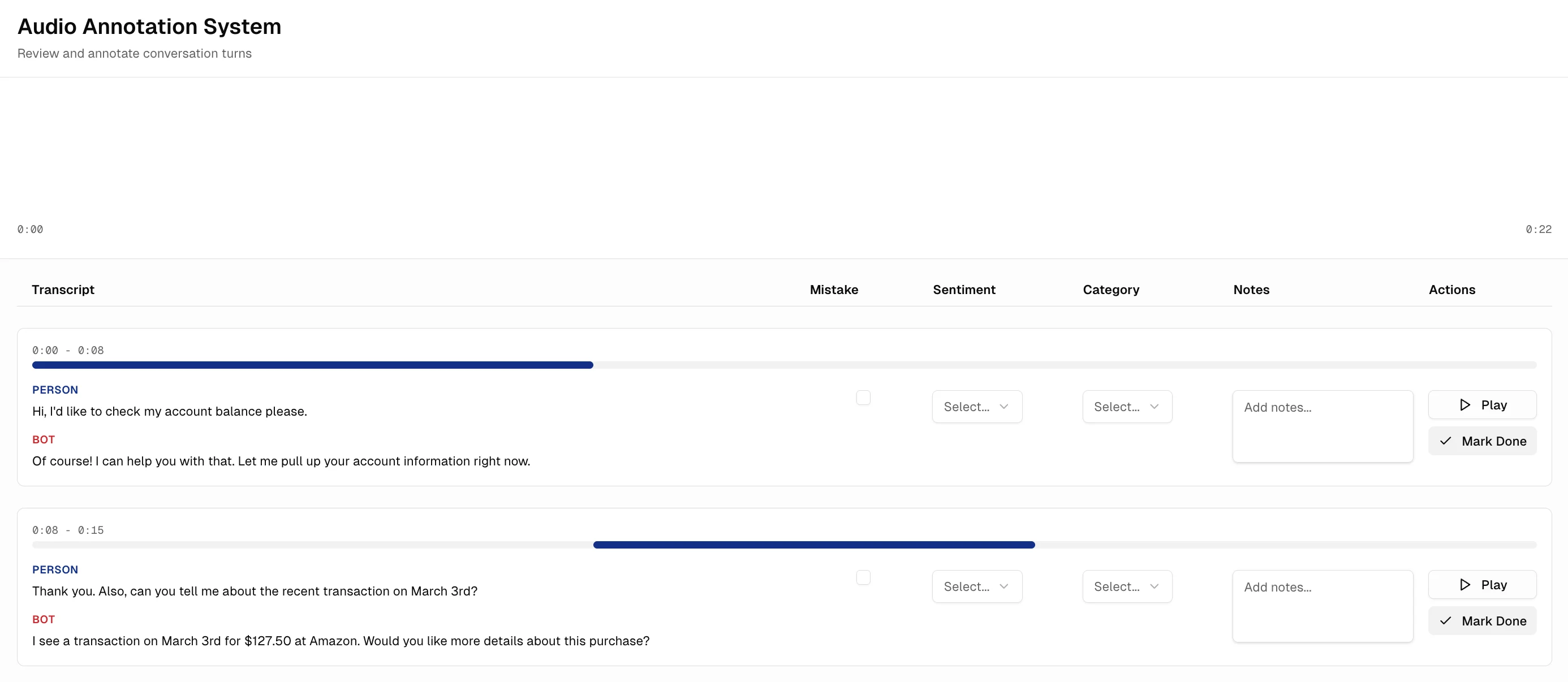
Old: longer process with separated des/dev teams. Designers do user research, sketches, figma wireframes, hifis, prototyping, and then hand off to developers. See Study 1 for an example of my work. New: des + dev teams are integrated and can even be the same person (design engineer). Define basic requirements, use tools to prototype and get a version in front of a client asap if possible, iterate based on their feedback, then rapidly implement using AI tools like Cursor. More about high-level thinking and rapid prototyping rather than intense details and mockup designs. See Study 2 for an example of my work. Why the shift? The coding and prototyping turnaround time has sped up considerably, allowing for much faster iteration cycles. Especially for small fast-moving teams, it doesn’t make sense to spend a lot of overhead time in Figma when edits on the actual product can be made and tested so quickly.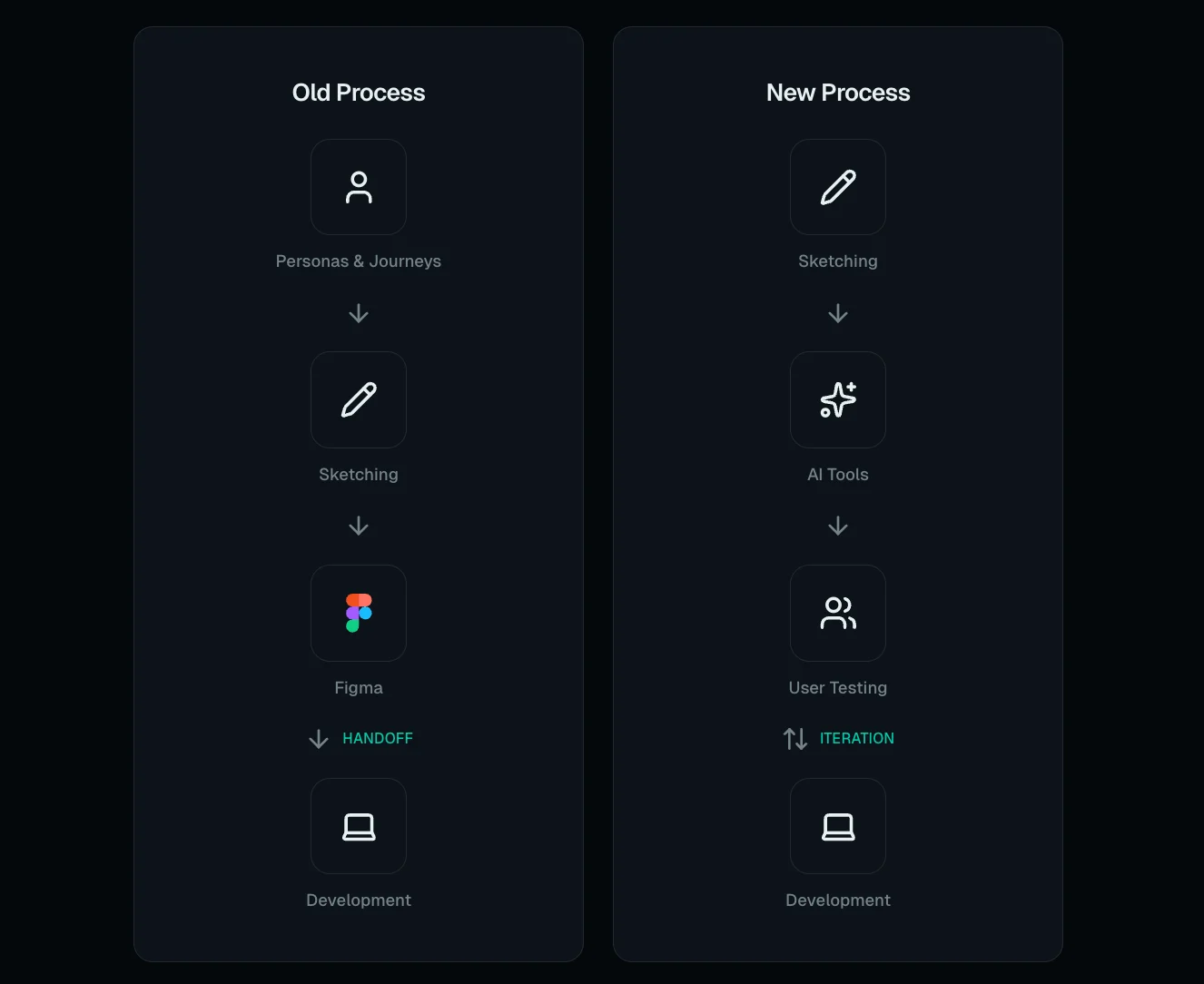
Old Process
Before the advent of tools which could rapidly prototype and code an idea based on a single-sentence prompt, there was an established design to development process that many product teams followed, including small student teams that I worked on while at Dartmouth / DALI Lab. Design and development tasks were pretty cleanly split between subteams, with designers handling much of the user research, ideation, and iteration process, before working on Figma designs and then handing them over to developers to implement. Designers: Problem Statement → User Personas → User Journey Mapping → HMW Qs/ POV Statements → Sketches → Wireframes → HiFis → Figma Prototypes → Handoff to dev team Developers: Receive Figma handoff → implement the given designs This system, while slow, was thorough and largely ensured that teams:- Spent an adequate amount of time doing user research
- Could focus on unique branding and UI details
- Went through multiple iterations of screens before settling on a vetted and polished version to hand off
- Wait times on both sides of the design - development handoff
- Disconnect between people in different roles, lack of knowledge and empathy between designers and developers
The Shift & New Process
The design step is often the first thing to be dropped when time is tight. With the advent of tools that can prototype a fully functional interface in just a few minutes, it becomes even less appealing and practical for small teams to spend a lot of time on a separate design “step”. Rather, design becomes more about having the right mindset while going through any development process, whether that be AI-assisted prototyping, product discussions, or even vibe coding. Instead of spending time creating time-consuming Figma mockups, many design engineers now use AI tools to get prototypes, test immediately with the team or users if possible, make edits, and then rapidly implement or update the feature using AI tools. The line between design and engineering is blurred, with the same people often working through the entire feature development process — thus the rise of the design engineer who can implement and iterate quickly while keeping design principles in mind. From what I have observed and done myself, the new design process on small teams is as follows:- Articulate idea
- Get demo from an AI tool (v0, magic patterns)
- Test with users or customers if possible
- Use cursor to implement in codebase
My Personal Experience
For my first few months at Ocular, I stuck relentlessly to the “old” design framework, alt-dragging iteration after iteration in Figma to settle on a solid design before I switched over to implementation. As you can see in Study 1, I used to make Figma boards of competitor research, create user personas and user journeys, and pore over greyscale mockups and hifis designs on Figma, before finally moving to implement these in code. However as my usage of Cursor and other AI prototyping tools increased, I noticed my usage of Figma was becoming less and less about prototyping entire screens and more about validating user flows, putting together rough ideas to show the team, and moving directly to hifis by reusing existing components and backgrounds, rather than starting from mockups for every single new design. I would sketch basic layouts on paper first, run them by the team, and then just use hifi components to make simple screens on Figma. And even those screens were only briefly used to validate the idea and confirm what data would be necessary from the backend, before jumping right to development.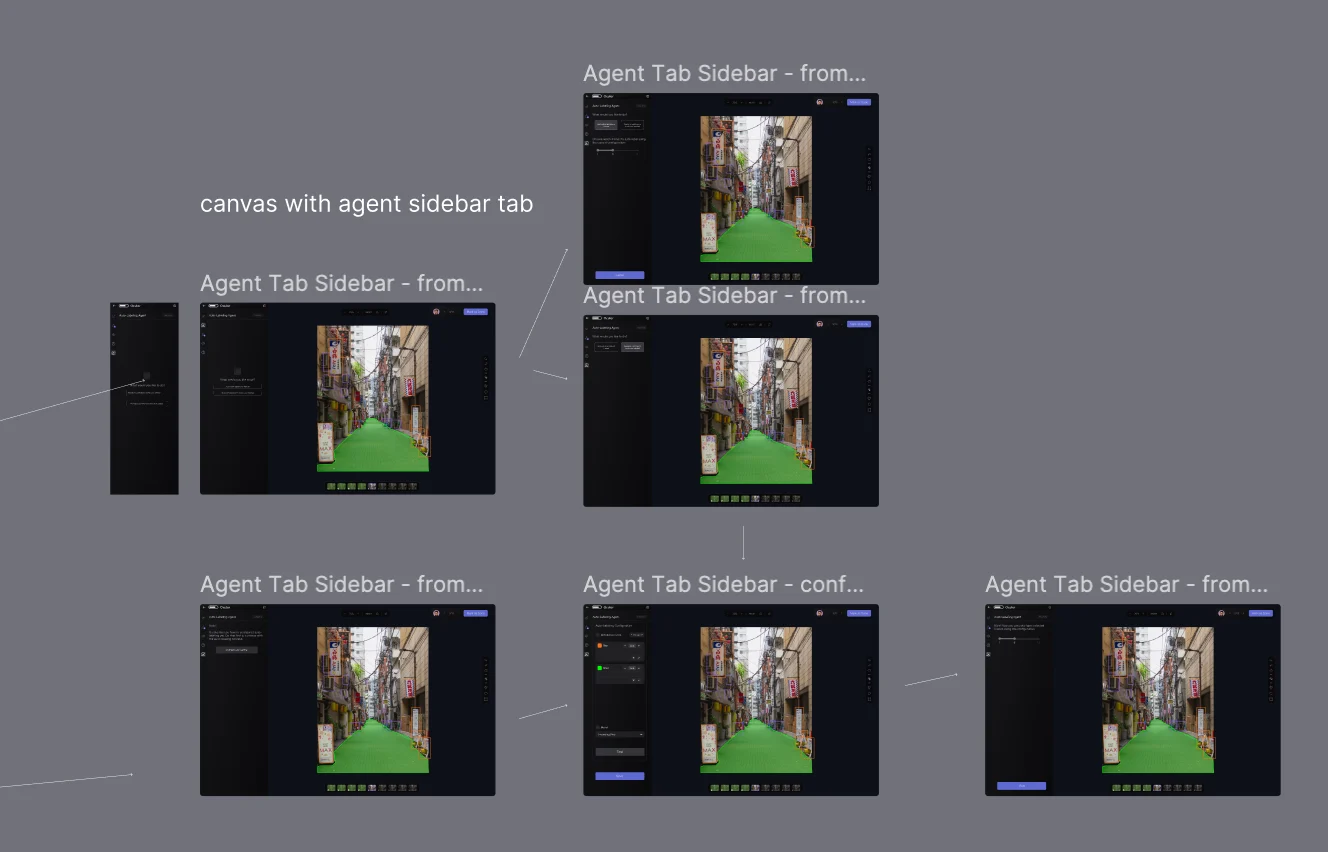
My Thoughts
The reason that fully iterating on designs with Figma beforehand was widespread is that once designs were passed to developers, they needed to be “ready,” with not a lot of future edits to be made. Once the developers started developing, it was relatively harder to work in an entire design shift or revamp. So having a long and thorough design process beforehand was good and necessary to avoid costly later changes. But now as engineering work has sped up considerably, it’s not a big deal to have a developer revamp and rework designs and pages as they go. It doesn’t make sense to spend all that time beforehand if the page can easily be reworked in code. In some cases, as in my case, the designer and developer are even the same person, so there is absolutely no disconnect in going back and forth between design and development. The two can be done simultaneously; as I prototype in code, I also think about design edits and implement those right away. No longer a need for a long, prior design process. Though it is tempting to just immediately begin writing code, I think there are still some small design steps that can be taken beforehand that can potentially have a big payoff later. We should strive to preserve at least the skeleton of the design process while still moving quickly, in order to ensure that the end result is user-friendly and will not require starting over from scratch once a usability issue is found.Tipping Point
I think there is a design vs. speed tipping point.- On one extreme: initially moving too fast and ignoring design planning entirely leads to losing more time later (needing a costly rework due to previously overlooked issues)
- On the other end: over-spending time on design in the beginning only for it to not really matter later